Digital Transformation Partner for Enterprises | WOWinfotech
Grow Your Business with Smart Solution Click Here

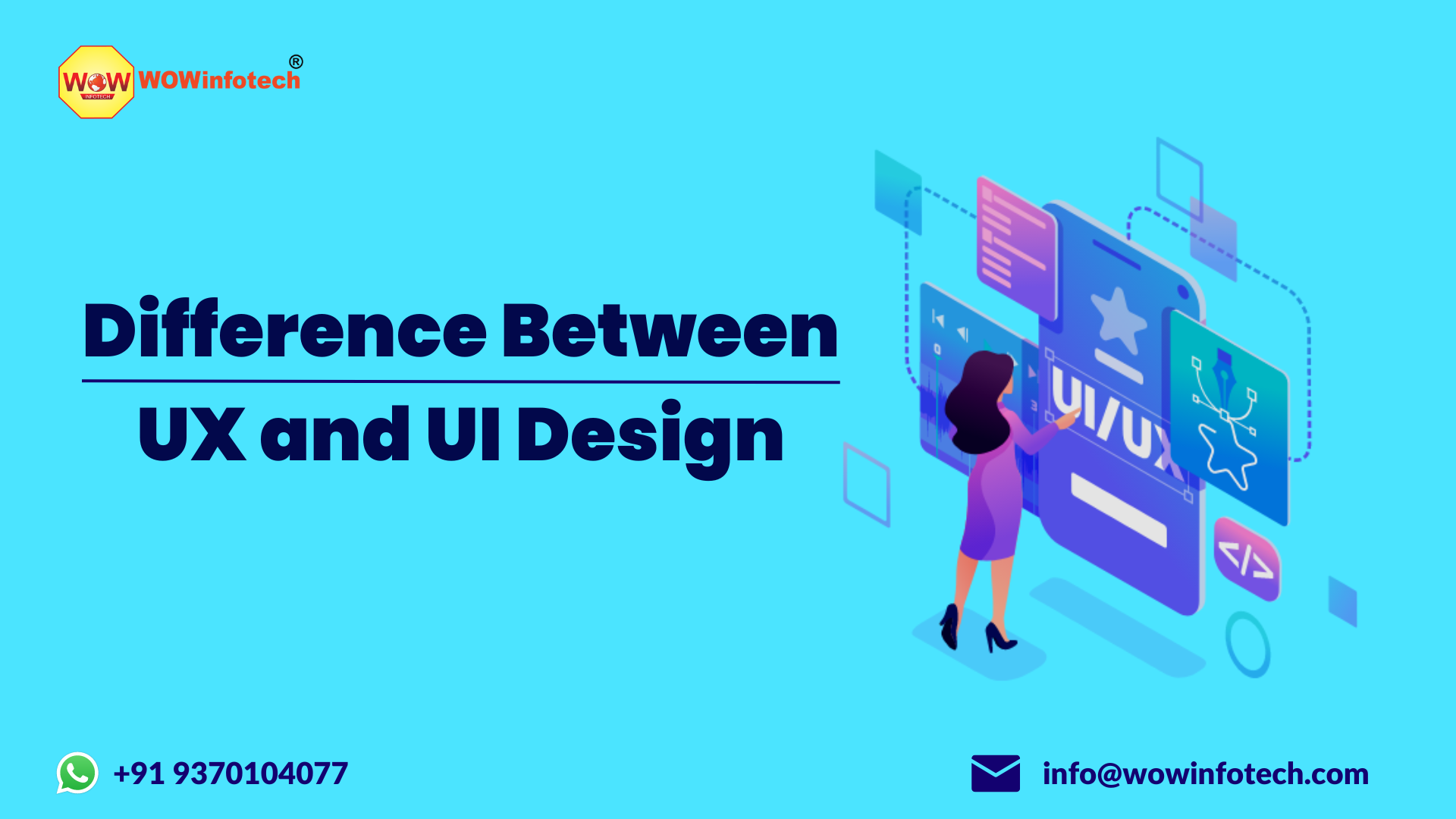
Difference Between UI and UX Design

Many people confuse UX design and UI design because both play a vital role in creating successful websites, mobile apps, and digital products. Although they work closely together, they serve different purposes. UX (User Experience) design focuses on creating a smooth, intuitive, and user-friendly experience through user research, information architecture, wireframing, prototyping, and usability testing. UI (User Interface) design, on the other hand, focuses on the visual and interactive elements of a product, including layouts, buttons, colors, typography, icons, and navigation, ensuring the interface is attractive, consistent, and easy to use.

In simple terms, UX design determines how a product works and feels, while UI design determines how it looks and how users interact with it. Both are equally important great UX improves usability and customer satisfaction, while effective UI enhances visual appeal and encourages user engagement. Together, they create digital experiences that are both functional and enjoyable.

In this guide, you'll learn the key differences between UX and UI design, their roles, skills, tools, career opportunities, and how they work together to build successful digital products.

UX Design Overview

UX (User Experience) Design focuses on how a product works and feels for users. It involves improving usability, accessibility, and the overall user journey to create a smooth and satisfying experience.

UI Design Overview

UI (User Interface) Design focuses on how a product looks and how users interact with it. It includes designing layouts, buttons, colors, typography, icons, and other visual elements that make the interface clear and easy to use.

Difference Between UX Design and UI Design

Many people use UI/UX design as the same term, but they are different fields. UX and UI work together, but their responsibilities, processes, and goals are not identical.

UX design is focused on solving user problems and creating smooth experiences. UI design focuses on creating interfaces that are clear, attractive, and easy to interact with.

For example, imagine a food delivery app.

A UX designer thinks about:

  • How users search for restaurants
  • How quickly they can place an order
  • How the checkout process works
  • What problems users face during ordering
  • How to improve the overall journey

A UI designer thinks about:

  • The design of restaurant cards
  • Button styles
  • Colors and typography
  • Icons
  • Screen layouts
  • Visual consistency

Both designers contribute to the same product, but they focus on different parts of the user experience.

Difference Between UX Design and UI Design

Main Areas of UX Design

UX design focuses on key areas that improve the overall user experience and make digital products easier to use. 

1. User Research

User research helps designers understand:

  • Who the users are
  • What problems they face
  • What goals they want to achieve
  • What motivates their decisions

Common UX research methods include:

  • User interviews
  • Surveys
  • User testing
  • Competitor analysis
  • Analytics research

2. Information Architecture

Information architecture is about organizing information in a way users can easily understand.

Examples:

  • Website navigation structure
  • App menus
  • Content categories
  • Search systems

A good information architecture helps users find information faster.

3. User Journey Mapping

A user journey map shows the steps a person takes while interacting with a product.

For example:

Website visitor → Product search → Product page → Add to cart → Payment → Order confirmation

UX designers use journey maps to find difficulties and improve the experience.

4. Wireframing

Wireframes are basic layouts that show the structure of a webpage or application.

They focus on:

  • Content placement
  • User flow
  • Navigation
  • Functionality

Wireframes usually come before detailed visual designs.

5. Usability Testing

Usability testing helps designers understand whether users can complete tasks easily.

Examples:

  • Can users create an account?
  • Can they find important information?
  • Can they complete a purchase?

Main Elements of UI Design

1. Visual Design

Visual design includes:

  • Colors
  • Typography
  • Images
  • Spacing
  • Layouts
  • Design style

The goal is to create a consistent and understandable interface.

2. Buttons and Interactive Elements

UI designers create components such as:

  • Buttons
  • Forms
  • Dropdown menus
  • Navigation bars
  • Cards
  • Icons

These elements should be easy to understand and use.

3. Design Systems

A design system is a collection of reusable design components and rules.

Popular design systems include:

  • Google Material Design
  • Apple Human Interface Guidelines
  • Company-specific design systems

Design systems help teams maintain consistency across products.

4. Responsive Design

Modern UI design must work across different devices:

  • Smartphones
  • Tablets
  • Laptops
  • Desktop screens

A good UI adapts to different screen sizes.

UX Design vs UI Design: Differences Table

While UX and UI design are closely connected, they have different objectives throughout the product design process. UX design focuses on improving the overall user experience by solving problems and making products easy to use, whereas UI design focuses on creating visually appealing and interactive interfaces that enhance how users interact with the product.  The table below compares UX and UI design across different aspects to help you understand their unique roles. 

Aspect

UX Design (User Experience Design)

UI Design (User Interface Design)

Definition

Focuses on designing the overall user experience and ensuring the product is useful, easy to use, and meets user needs.

Focuses on designing the visual interface and interactive elements users see and interact with.

Primary Goal

Improve usability, accessibility, and overall user satisfaction.

Create an attractive, consistent, and intuitive interface.

Main Focus

User behavior, user needs, and the complete user journey.

Visual design, interface layout, and user interactions.

Key Question

How does the product work and how does it feel to use?

How does the product look and how do users interact with it?

Approach

Research-driven and user-centered.

Design-driven and visually focused.

Process

User research → Personas → User flows → Information architecture → Wireframes → Prototypes → Usability testing.

Wireframes → High-fidelity mockups → Visual design → Design systems → Interactive prototypes → Developer handoff.

Main Responsibilities

Conduct user research, identify pain points, improve user flows, organize content, and test usability.

Design layouts, buttons, icons, typography, color schemes, spacing, and interactive components.

Design Stage

Begins early in the product planning and strategy phase.

Starts after the UX structure and user flow are defined.

Deliverables

User personas, journey maps, user flows, wireframes, prototypes, usability reports.

UI mockups, visual designs, design systems, component libraries, style guides, and interactive screens.

Skills Required

User research, problem-solving, information architecture, usability testing, analytical thinking, design thinking.

Visual design, typography, color theory, layout design, branding, interaction design, responsive design.

Tools Commonly Used

Figma, FigJam, Miro, Axure RP, Maze, Hotjar.

Figma, Adobe XD, Sketch, Adobe Illustrator, Photoshop, Zeplin.

Success Metrics

User satisfaction, task completion rate, reduced friction, improved usability, lower abandonment rates.

Visual consistency, accessibility, interface clarity, interaction quality, and user engagement.

Example in an E-commerce Website

Makes it easy for users to search products, apply filters, add items to the cart, and complete checkout smoothly.

Designs product cards, navigation menus, buttons, icons, typography, colors, and checkout screens.

Example in a Food Delivery App

Improves restaurant search, ordering flow, payment process, and order tracking experience.

Designs restaurant cards, menu layouts, buttons, icons, color palette, and overall visual interface.

Outcome

A product that is useful, efficient, accessible, and easy to use.

A product that is visually appealing, interactive, and consistent across all screens.

Examples of UX and UI Design in Real Products

The following examples show how UX and UI design work together to create seamless, user-friendly, and visually appealing digital experiences across different products. 

Example 1: Mobile Banking App

UX Design:

  • Easy account registration
  • Simple money transfer process
  • Clear transaction history

UI Design:

  • Clean dashboard
  • Recognizable icons
  • Attractive charts
  • Clear buttons

Example 2: E-commerce Website

UX Design:

  • Easy product search
  • Smooth checkout process
  • Helpful product filters

UI Design:

  • Product cards
  • Images
  • Buttons
  • Website layout

Tools Used by UX and UI Designers

Popular UX/UI design tools include:

  • Figma
  • FigJam
  • Adobe XD
  • Sketch
  • Miro
  • InVision
  • Adobe Photoshop
  • Adobe Illustrator

Different teams choose tools based on workflow, collaboration needs, and product requirements

Why Choose WOWinfotech for UI/UX Design?

Your website or app has only a few seconds to make a good first impression. If users find it confusing, slow, or difficult to navigate, they are likely to leave without taking action. 

At WOWinfotech, we design UI/UX experiences that help businesses turn visitors into customers by combining user research, intuitive interfaces, and conversion-focused design strategies. 

Every project starts with understanding your business goals, target audience, and user behavior to create digital experiences that are easy to use and built for measurable results.

What Makes WOWinfotech Different?

  • Conversion-Focused Design: Every screen, CTA, and user flow is designed to increase enquiries, leads, and conversions not just improve aesthetics.
  • User-First Approach: We combine UX research, wireframing, prototyping, and usability testing to remove friction and improve customer satisfaction.
  • AI-First Product Design: We design websites, mobile apps, SaaS platforms, dashboards, and AI-powered products with intelligent user experiences built into every interaction.
  • Business-Driven Results: Our focus is on creating digital products that improve engagement, build customer trust, and support long-term business growth rather than simply following design trends.

Whether you're launching a new website, redesigning an existing application, or building an AI-powered SaaS platform, WOWinfotech delivers UI/UX solutions that balance user needs, business goals, and modern design standards helping you create digital products that users enjoy and businesses can grow with.

Conclusion 

The difference between UX design and UI design is simple: UX focuses on the overall user experience, while UI focuses on the visual interface. UX makes a product useful, intuitive, and easy to use, while UI makes it visually appealing and easy to interact with. Together, UX and UI create digital products that are functional, engaging, and user-friendly, making both essential for building successful websites, apps, and software.

Frequently Asked Questions 

UX design focuses on the overall user experience and product usability, while UI design focuses on the visual interface and interactive elements.

Coding is not mandatory for UX designers, but basic knowledge of HTML, CSS, and development processes can help collaboration.

Both UX and UI skills are valuable. Many companies prefer designers who understand the complete product design process.

Figma is used for both UX and UI design. Designers use it for wireframes, prototypes, interface design, and collaboration.

  • Team WOWinfotech
    WOWinfotech
    May 02,2023

Contact and get free demo from WOWinfotech related to your IT requirements.

Get A Quote